How to Use AI-Generated Anime Art in Indie Game Development
Building an indie game on a tight budget? AI art generation can replace expensive commissioned artwork for backgrounds, UI elements, and concept art — here's how to do it professionally.
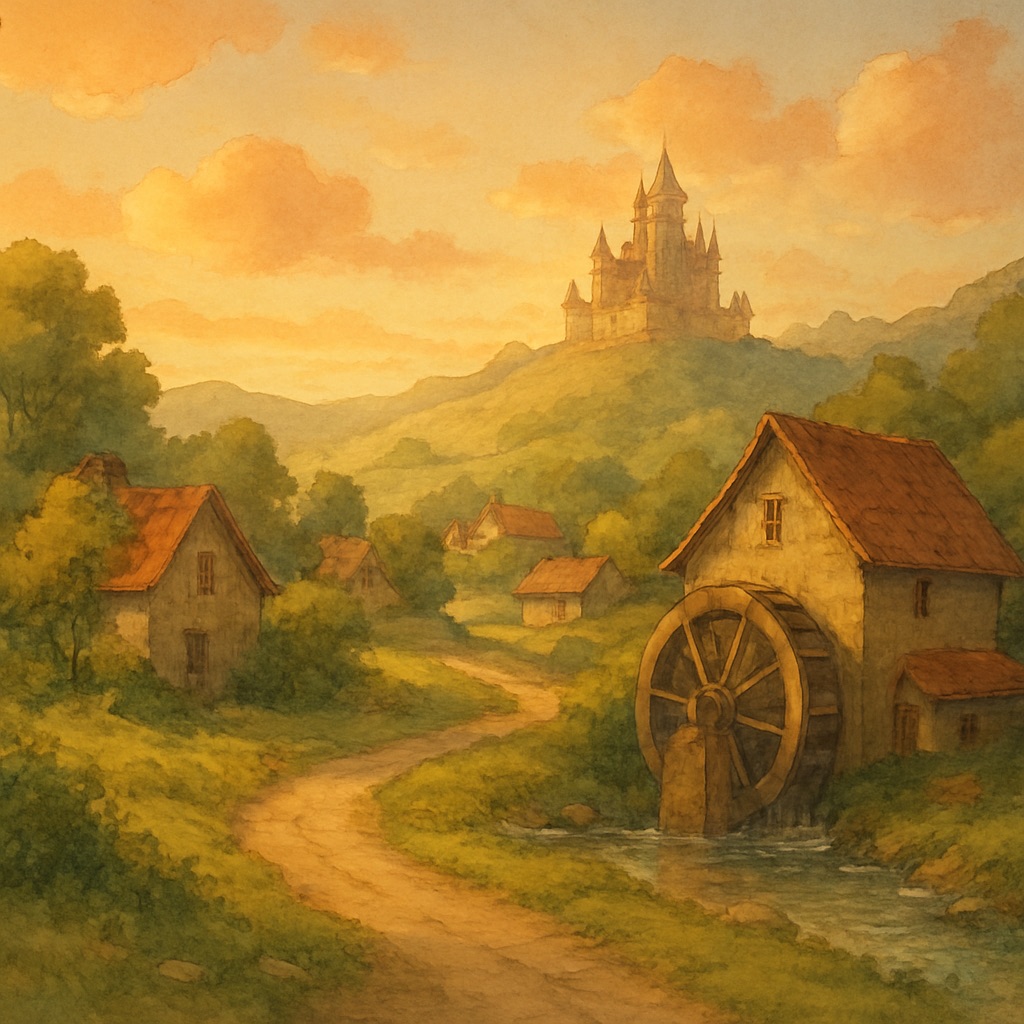
Budget is the defining constraint of indie game development. Triple-A studios pay concept artists $60–$120 per hour; a single background scene in a visual novel can cost $300–$600 when commissioned from a professional illustrator. Multiply that across 50 backgrounds, 20 character sprites, and dozens of UI elements, and the visual budget alone can be prohibitive. AI image generation has fundamentally changed this calculus.
What AI Art Can and Can't Do for Game Development
Let's be realistic about capabilities. AI image generation is excellent for environmental backgrounds, establishing shots, stylized UI elements, and concept art exploration. It is currently less reliable for precise character animation frames, pixel art (without specific fine-tuned models), and assets requiring perfect geometric consistency across multiple generations. Understanding these boundaries helps you integrate AI efficiently.
The Asset Consistency Problem — and How to Solve It
The most common challenge indie developers face with AI art is visual inconsistency. Background scene A looks like it came from a completely different game than background scene B. This breaks immersion and signals low production quality to players. Solving consistency requires a systematic approach.
Building a Style Bible
Before generating any production assets, generate 10–20 test images to find your exact visual formula. Once you find a combination that defines your game's aesthetic, lock it down as your 'style bible' — a document containing your exact prompt template, required keywords, banned keywords, and reference images. Every subsequent generation must use this template.
Building a Complete Visual Novel Asset Set
Visual novels require the highest volume of backgrounds of any game genre, making them the ideal starting point for AI art integration. A full visual novel might require 30–60 background scenes. Here's a systematic production pipeline:
- 1.Map every scene location in your script (school, bedroom, park, café, etc.)
- 2.For each location, identify all required time-of-day and weather variants (day/evening/night, sunny/rainy)
- 3.Generate one 'master' version of each location first, then prompt variants using the same base description
- 4.Review all generations for consistency before moving to the next location
- 5.Create a final QA pass comparing all backgrounds side-by-side in a grid layout
Tiling and Repeatability for Platformers and RPGs
For games requiring tiling backgrounds or parallax layers, prompt specifically for 'seamless texture,' 'tileable pattern,' and 'flat horizon.' AI-generated tiling backgrounds work best at 2x or 3x pixel density, allowing you to scale them down in-engine for a crisper result. Always test in-engine before finalizing — what looks beautiful at full resolution sometimes reveals tiling artifacts at game scale.
Licensing and Commercial Use
Commercial use rights for AI-generated art vary by platform. Most premium AI image generation services, including GhibliAI's premium tier, grant full commercial rights to generated images. Free tier generations are typically licensed for personal and non-commercial use. If you're shipping a paid game, always confirm you're operating under a commercial license before submitting to Steam, Itch.io, or app stores.
Integrating AI Background Art with Hand-Crafted Character Sprites
Many indie developers find the best approach is a hybrid: AI-generated environmental backgrounds combined with hand-crafted (or commissioned) character sprites. This works especially well for visual novels, where characters stand against static backgrounds. The key is ensuring the character art and background art share a color temperature and line weight — a character with crisp black outlines will look jarring against an AI background with soft, diffused edges.