Complete Beginner's Guide to Ghibli Style AI Art in 2026
Never used an AI image generator before? This step-by-step guide takes you from complete beginner to confidently creating beautiful Ghibli-style art in under 10 minutes.
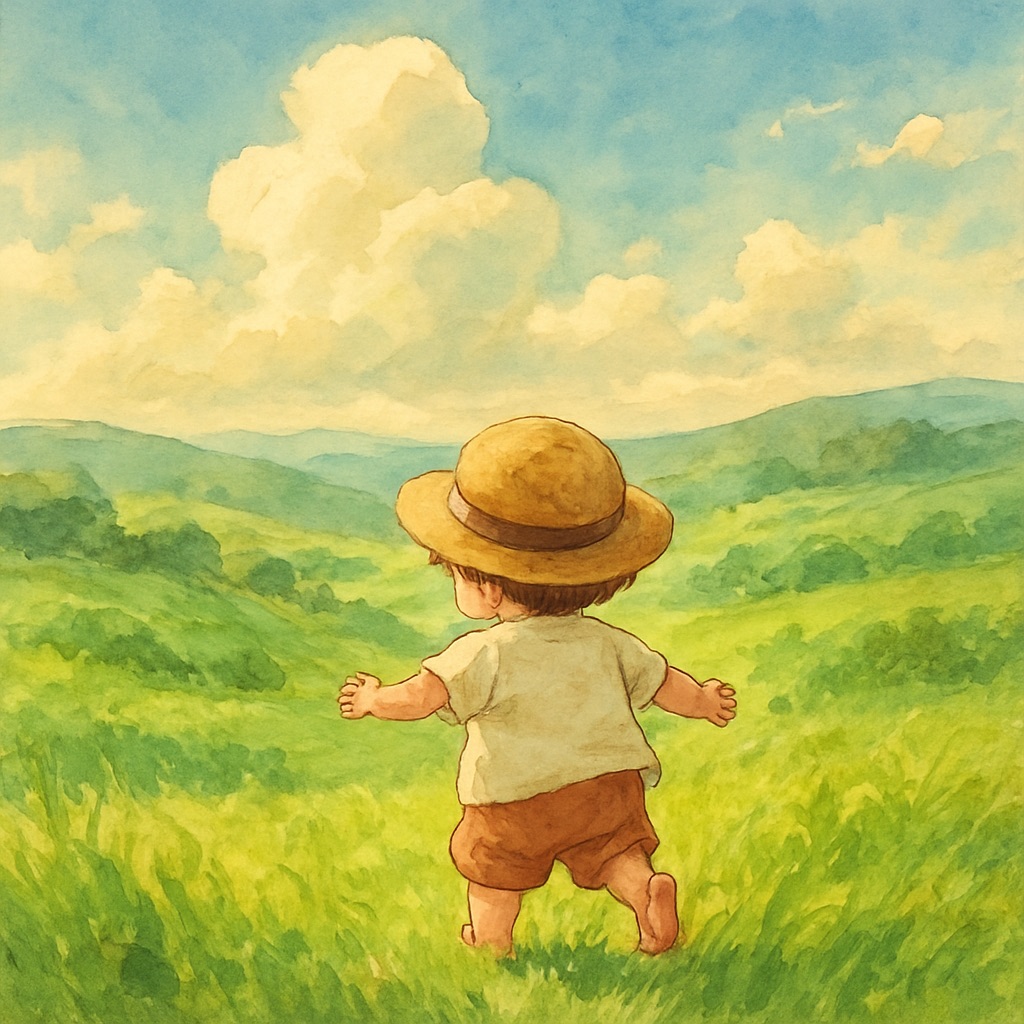
You've seen the breathtaking watercolor landscapes and magical scenes circulating on social media — soft greens, warm golden light, characters small against vast natural environments — and you want to create your own. The good news: you don't need any art training, design software, or technical knowledge. AI image generation has democratized digital art creation, and this guide will have you producing your first stunning Ghibli-style image in minutes.
What Is a Ghibli-Style Aesthetic?
The term 'Ghibli style' refers to a specific visual aesthetic characterized by hand-painted watercolor textures, lush and hyper-detailed natural environments, soft diffused lighting, and a sense of warmth and nostalgia. This aesthetic emerged from the tradition of classic Japanese animation and is beloved worldwide for its ability to make the fantastical feel deeply real and emotionally resonant.
When we talk about generating 'Ghibli-style' AI art, we're describing images that capture this painterly, organic quality — not specific characters or IP from any particular studio. The aesthetic is defined by its technique, color palette, and emotional atmosphere, all of which can be guided through careful prompt engineering.
Step 1: Understanding the Text-to-Image Generator
GhibliAI is a text-to-image generator. You type a description of what you want to see, and the AI creates an image matching your description. You can also upload a reference photo and ask the AI to transform it into the Ghibli aesthetic. Both modes are free, require no account, and produce results in seconds.
Step 2: Writing Your First Prompt
The single most important concept for beginners: more detail equals better results. A one-word prompt like 'forest' gives the AI almost nothing to work with. A detailed prompt describing textures, atmosphere, lighting, and mood will yield dramatically better output.
Here are three beginner-friendly prompts you can use immediately:
- ✦"A cozy cottage surrounded by a wildflower meadow at golden hour. Hand-painted watercolor style, warm and nostalgic, soft sunlight through tall grass, highly detailed."
- ✦"A wooden fishing village by a misty mountain lake at dawn. Traditional Japanese illustration style, soft fog, reflections in still water, peaceful and serene, masterpiece."
- ✦"A young traveler standing at a crossroads in an enchanted forest. Ancient trees with glowing moss, lantern light, magical atmosphere, cel animation style, cinematic composition."
Step 3: Iterating on Your Results
Your first generation may not be perfect — that's completely normal. AI art is an iterative process. Generate once, evaluate what worked and what didn't, then refine your prompt. Common refinements:
- ✦Image feels too digital? Add 'traditional watercolor texture, visible brushstrokes, organic grain'
- ✦Lighting feels flat? Add a specific lighting keyword: 'golden hour,' 'overcast silver sky,' or 'warm lantern glow'
- ✦Environment lacks detail? Describe specific plants, weather conditions, architectural elements
- ✦Colors feel wrong? Specify your palette: 'muted earth tones,' 'soft pastel greens,' or 'warm amber and jade'
Step 4: Using the Photo-to-Ghibli Feature
GhibliAI's photo transformation feature lets you upload any personal photo and have it reimagined in the Ghibli aesthetic. Photos with strong natural elements — forests, mountains, coastlines, fields — tend to transform most dramatically. Portrait photos transform beautifully when the background has interesting environmental features. Upload your photo, optionally add a text prompt to guide the transformation, and generate.
Step 5: Downloading and Using Your Art
Once you're happy with a generation, download it directly from the interface. Free-tier images are suitable for social media, personal use, and digital displays. For print products, professional presentations, or commercial use, premium generations provide higher resolution outputs with full commercial rights.