5 Essential Negative Prompts That Transform Your Anime AI Art Quality
Most AI art tutorials focus entirely on positive prompts. But what you exclude matters just as much as what you include. These five negative prompt strategies will immediately upgrade your output quality.
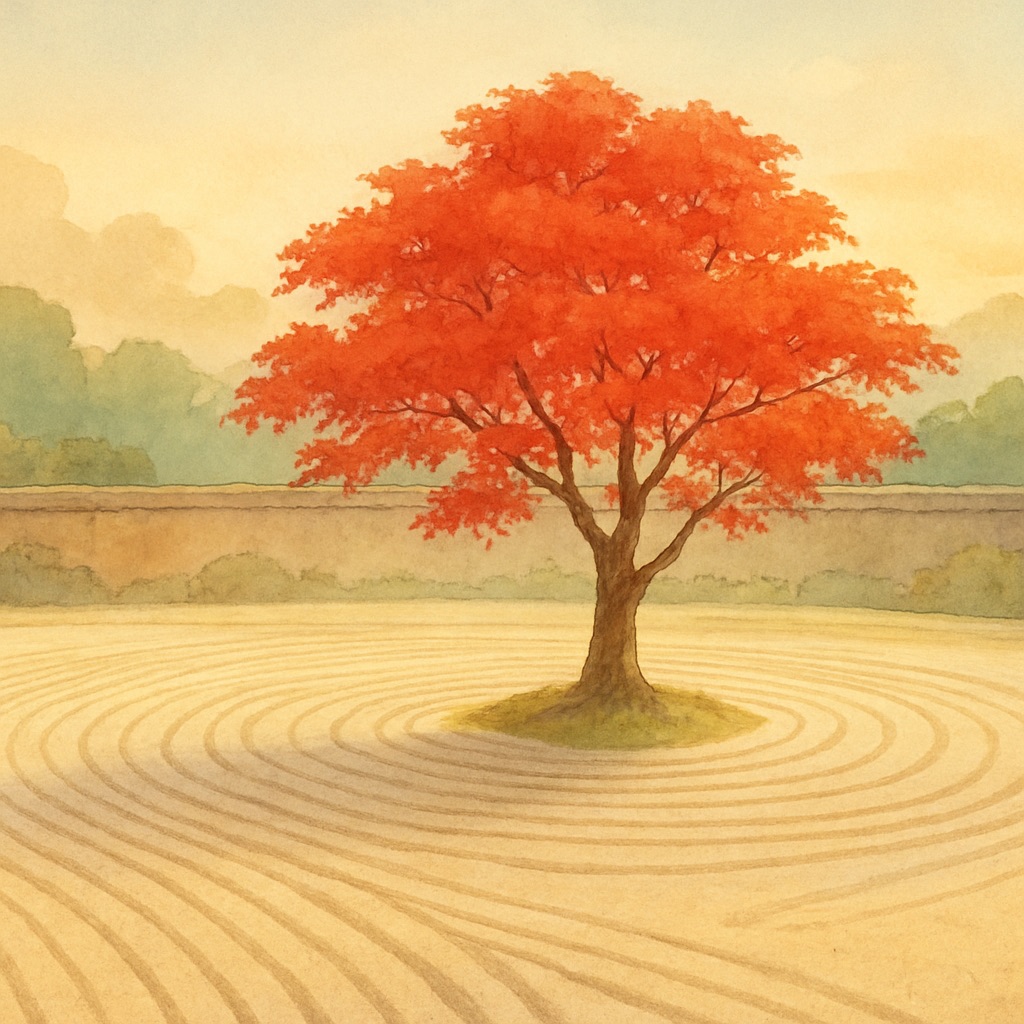
Every AI image generator makes assumptions when your prompt is ambiguous. Without specific guidance, it fills gaps with the most statistically common patterns in its training data — which often means generic, over-saturated, plasticky digital art instead of the soft, organic, painterly aesthetic you're aiming for. Negative prompts are your tool for explicitly blocking these unwanted defaults.
What Are Negative Prompts?
A negative prompt tells the AI what you don't want in the output. While positive prompts push the generation toward your desired aesthetic, negative prompts push it away from specific patterns the model would otherwise default to. Together, they act as a precision instrument rather than a blunt tool, dramatically improving consistency and quality.
Negative Prompt #1: The Anti-Photorealism Block
The most important negative prompt for any painterly aesthetic is one that actively suppresses the model's photorealism tendencies. Modern AI models are heavily trained on photographic data, and they default toward it aggressively. Use this block:
Negative Prompt #2: The Modern Anime Suppressor
Modern anime (2010s–present) has a distinct aesthetic that's quite different from the classic 1990s painted style. If you're aiming for a nostalgic, hand-crafted feel, modern anime tendencies actively work against you. Block them with:
Negative Prompt #3: The Quality Flaw Eliminator
AI models can produce technical artifacts — blurry areas, duplicate limbs, distorted faces, incoherent backgrounds. This block suppresses the most common quality issues:
Negative Prompt #4: The Composition Protector
This block prevents common compositional failures — overcrowded frames, floating elements, and incoherent depth:
Negative Prompt #5: The Color Palette Guard
Ghibli-style art uses a specific, harmonious color palette — muted earth tones, soft pastels, warm ambers and greens. Block colors that clash with this palette:
Combining All Five: The Master Negative Prompt
For production-quality results, combine all five blocks into a single comprehensive negative prompt. Apply this to every generation and you'll notice an immediate, dramatic improvement in consistency and aesthetic fidelity: