How to Turn Your Pet Into a Ghibli-Style Portrait (Prompts + Photo Tips)
Pet portraits are the most joyful thing people make with Ghibli-style AI — and the most gifted. This guide covers exactly which photos work, which prompts to use, and how to fix the classic failure modes.
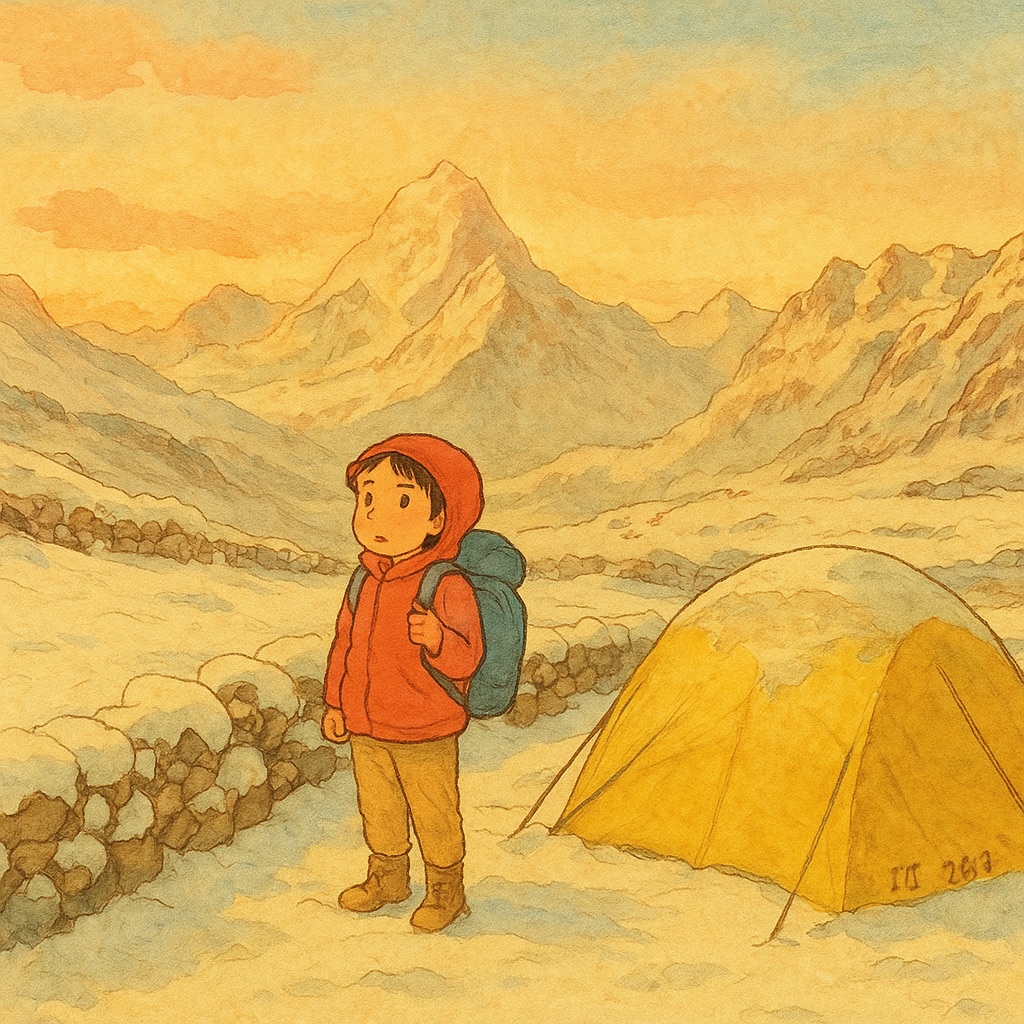
Of everything people create with GhibliAI, pet portraits generate the most delighted reactions. There is something about seeing your dog rendered as a noble companion in a watercolor meadow, or your cat as the mysterious guardian of a sunlit windowsill, that captures why this aesthetic resonates: it makes the everyday feel storybook-magical. Pet portraits are also the most common thing our users print and gift. This guide gets you from phone photo to frame-worthy portrait.
Step 1: Choose the Right Source Photo
The source photo determines 80% of your result. The AI needs to clearly see your pet's defining features — face shape, markings, ear position, eye color — to preserve what makes them recognizably yours.
- ✦Natural light beats flash — outdoor shade or window light shows true fur color and avoids demon-eye reflections
- ✦Eye level with the pet, not looking down — the classic 'standing over the dog' angle distorts proportions
- ✦Face clearly visible and in focus — sleeping curled-up poses hide the features the AI needs to preserve
- ✦Distinctive markings in frame — if your cat has a signature chest patch, make sure it's visible
- ✦Simple backgrounds transform best — the AI will replace the background anyway, but clutter can bleed into the subject
Step 2: Copy-Paste Prompts by Pet Type
Upload your photo, then add a guiding prompt. These templates consistently produce beautiful results — swap the environment to taste:
Step 3: Fix the Common Failure Modes
Pet transformations have a few classic failure patterns, each with a reliable fix:
- ✦Wrong breed appears → your photo is too dark or the face too small in frame; crop tighter and add the breed explicitly: 'a tricolor Cavalier King Charles Spaniel'
- ✦Markings vanish → add 'preserve the exact fur markings and color pattern' to the prompt; markings are the first thing the AI averages away
- ✦Pet looks generic/cartoonish → add 'realistic proportions, painterly detail, not cartoon' — this pulls away from mascot-style rendering
- ✦Eyes look wrong → 'preserve the amber eye color, gentle expression' anchors the single most identity-defining feature
- ✦Too literal, still looks like a photo → strengthen the style side: 'heavy watercolor texture, visible brushstrokes, hand-painted animation background'
Step 4: Scene Ideas Beyond the Meadow
- ✦Your pet as a shop guardian — dozing at the door of a cozy watercolor bakery or bookshop
- ✦The train window — pet gazing out at passing countryside, warm cabin light (deeply nostalgic)
- ✦Rainy day at the window — cool blue-grey light outside, warm interior glow, rain streaks on glass
- ✦Autumn walk — fallen leaves, golden light, a path through painted woods
- ✦Night guardian — pet on a rooftop under a starry indigo sky with warm village lights below
Printing and Gifting Your Portrait
Pet portraits make exceptional gifts — birthdays, memorials for pets who have passed, or 'gotcha day' anniversaries. For gifting, generate the premium high-resolution version (free-tier resolution is fine for phones and social media, but prints need more pixels), then order a simple framed print from any local or online print shop. An 8×10 framed watercolor-style portrait of someone's dog is a gift people genuinely cry over. For memorial portraits, a prompt addition like 'peaceful, warm golden light, gentle expression' produces appropriately tender results.