Photo to Ghibli: How to Transform Any Photo Into Anime Art with AI
Turning your own photos into hand-painted anime scenes is one of the most magical things you can do with AI art tools. This guide shows you exactly how to get stunning results every time.
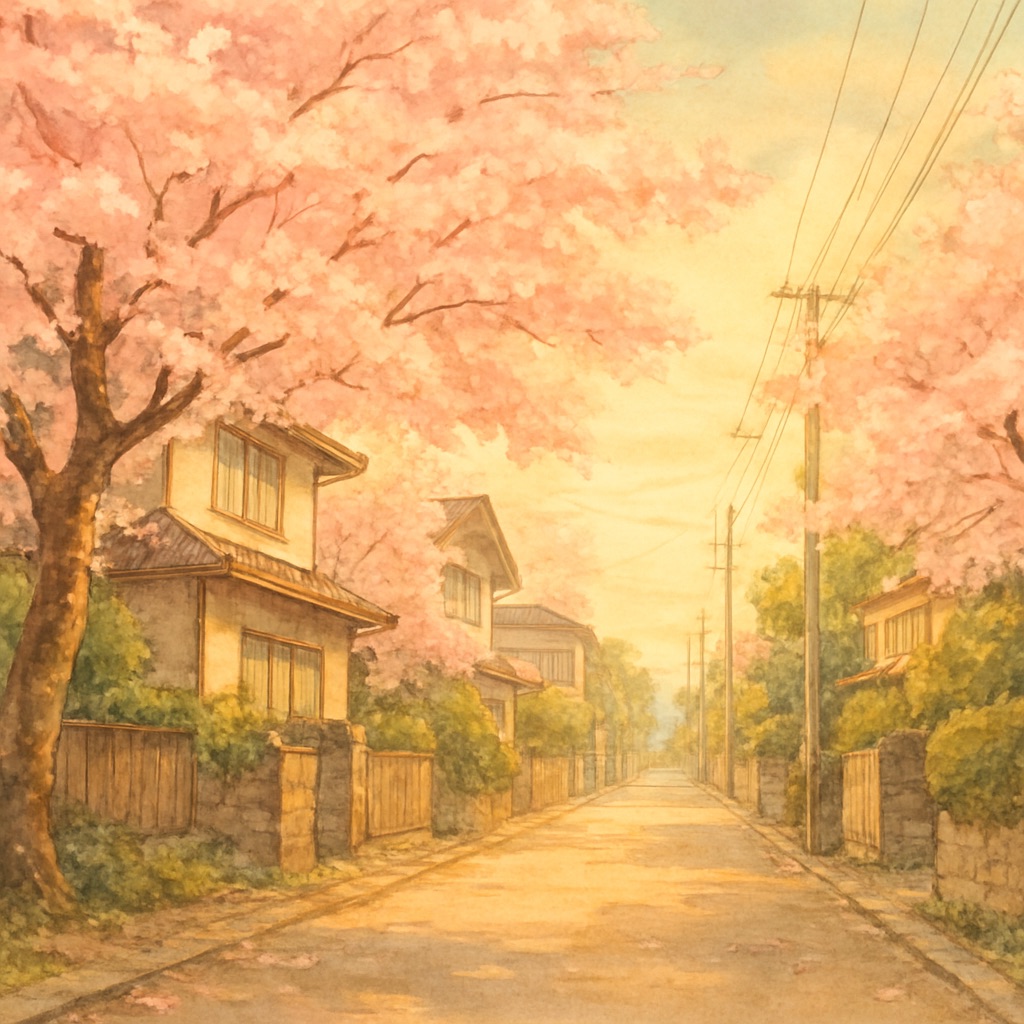
Of all the AI art use cases that have captured public imagination, the photo-to-anime transformation is perhaps the most universally resonant. The ability to take a personal memory — a vacation snapshot, a portrait of someone you love, a landscape you photographed on a hike — and reimagine it as a glowing, hand-painted scene from a classic animated film touches something genuinely emotional in people.
Which Photos Transform Best
Not all photos transform equally well. Understanding which types of source images produce the most magical results helps you select the best candidates from your library.
- ✦Natural environments with strong light: forests, fields, coastlines, and mountains with interesting sky — these transform beautifully because the AI has rich environmental detail to work with
- ✦Architecture with character: stone buildings, wooden structures, narrow alleys, bridges — architectural detail translates exceptionally well into painted backgrounds
- ✦Portraits with interesting backgrounds: a person in a natural setting transforms better than a studio portrait against a white wall
- ✦Travel photos with atmospheric conditions: fog, golden hour light, overcast skies all lend themselves naturally to the painterly aesthetic
- ✦Photos with strong compositional lines: paths, rivers, horizons, converging roads — these give the transformed image structural clarity
Photos That Struggle to Transform Well
Indoor photos with harsh artificial lighting often transform into flat, lifeless scenes — the AI can't generate the organic warmth that comes from natural light. Close-up portraits on neutral backgrounds lose all environmental context. Night photos with heavy digital noise give the AI difficult material to work with. If a photo looks visually flat or lacks interesting texture, the transformation will also feel flat.
Step-by-Step: Getting the Best Transformation
- 1.Select your source photo — prioritize images with natural light and interesting environmental texture
- 2.Upload to the GhibliAI generator using the photo upload interface
- 3.Add a directional text prompt to guide the aesthetic (optional but recommended): 'transform into hand-painted watercolor anime style, golden hour lighting, soft nostalgic atmosphere'
- 4.Generate and evaluate — look at whether the AI has preserved the essential character of the scene while adding painterly texture
- 5.If the result is too literal (looks photographic), add stronger medium keywords: 'heavy watercolor texture, visible brushstrokes, traditional painted animation style'
- 6.If the result is too abstract, add composition anchors: 'preserve original composition, maintain spatial relationships, faithful to source layout'
Adding Context Through Text Prompts
The most powerful photo transformations combine the visual input with a detailed text prompt. Your text prompt can add elements that weren't in the original photo — seasonal details, atmospheric effects, emotional tone. For example, taking a photo of a city street and prompting 'transform into a rain-soaked Japanese animated cityscape, warm window lights, steam rising from manholes, golden reflections in puddles' can dramatically elevate the result beyond a simple style transfer.
Portrait Transformations: Special Considerations
Transforming photos of people requires specific guidance. For a portrait, always specify that you want to 'preserve likeness and expression' or 'maintain facial features.' Without this, the AI may replace the person's face with a generic anime character. Add environmental direction to create context around the portrait — 'standing at the edge of an enchanted forest' or 'sitting by a window with soft morning light' transforms a basic portrait into a cinematic character study.